
BeatfloeSell beats on autopilot
The app every type beat producer needs:Automatically upload your beats to YouTube and Beatstars and save hours of busy work every week.
Free for 14 days. Full access, cancel anytime.
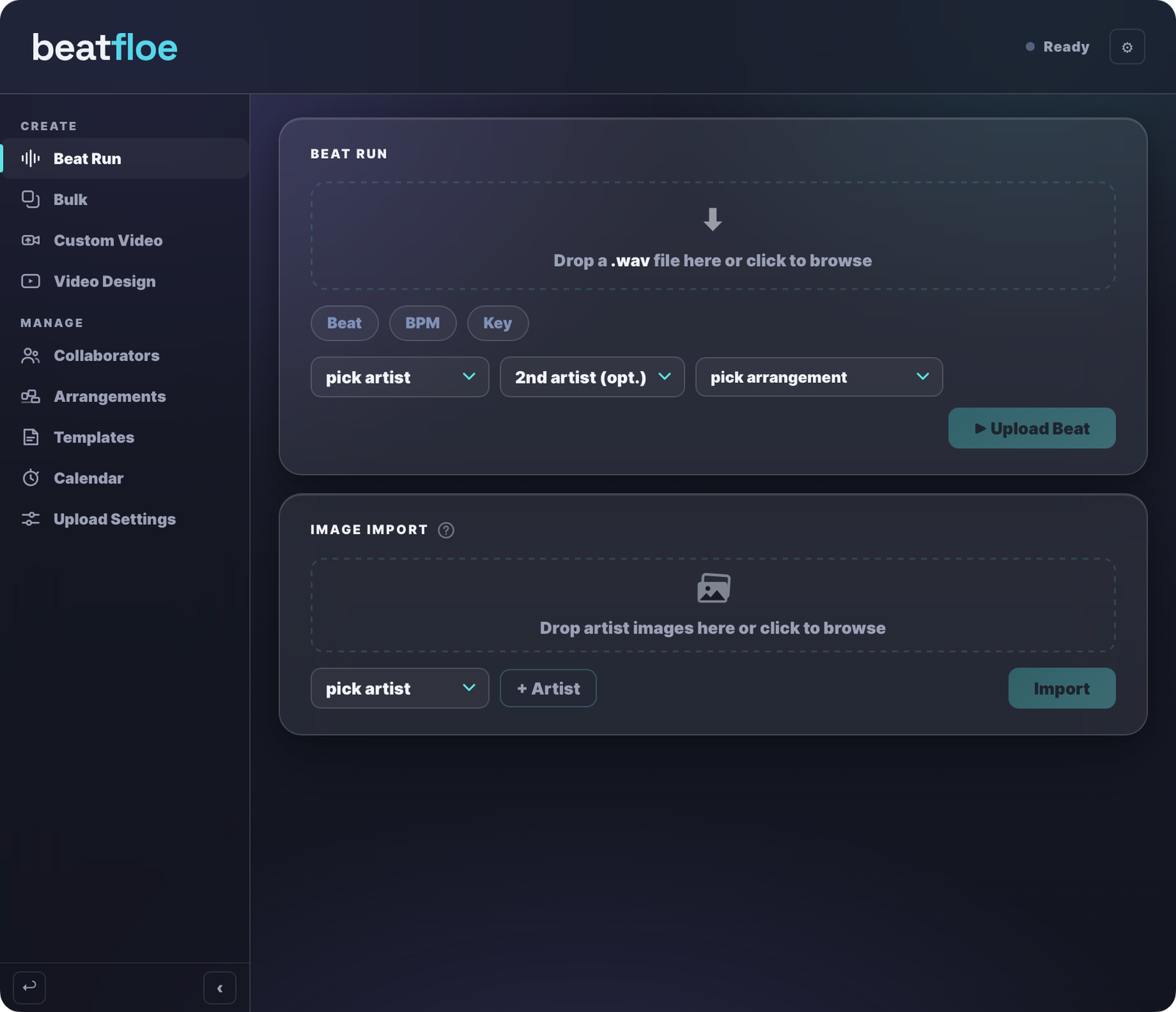
How it works
Upload a beat in just 2 minutes.

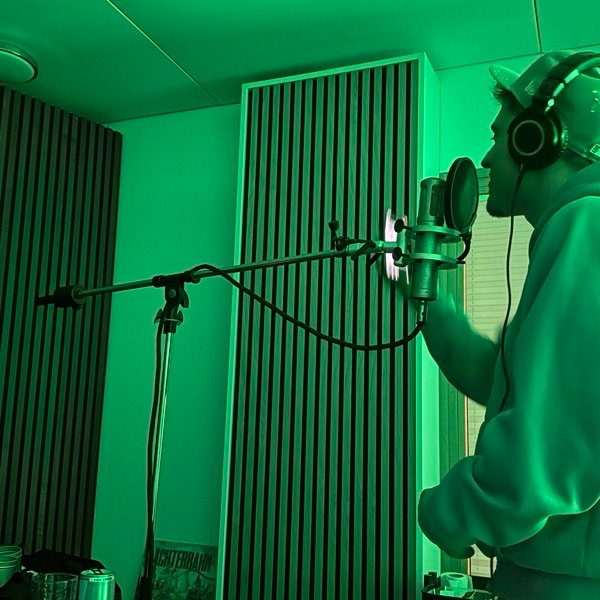
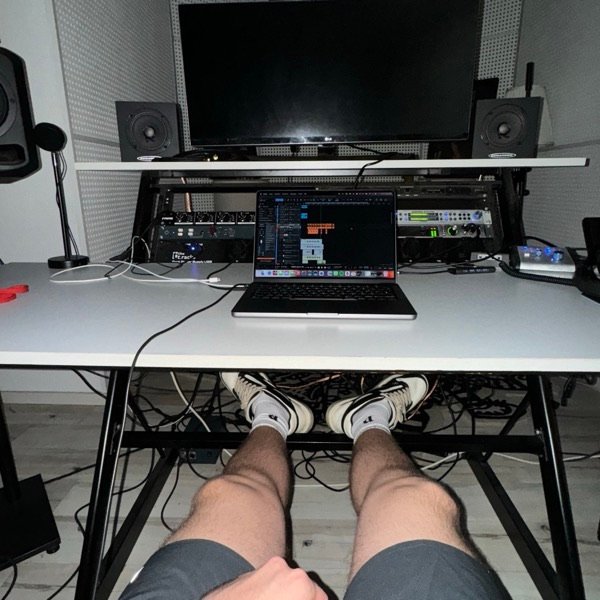

Add your images
Drop a folder of images for each artist. Beatfloe picks a fresh one for every beat and remembers what it already used. Zero effort per upload.
Drag & drop your beats
Beatfloe automatically detects the beatname, BPM and key and even your collaborators from the filename.
Select the rapper
Select the type beat style you want to upload. Beatfloe automatically scans for the best video tags for this artist.
Hit upload
Beatfloe renders the video, writes the description, timestamps and tags, schedules the YouTube post and lists the beat on Beatstars. You just hit upload and go make the next beat.
Connect your accounts securely
You sign in on each platform’s own page. Beatfloe never sees your password and you can disconnect anytime.


Full app tour
Watch a detailed explanation of beatfloe
A guided walkthrough of every part of Beatfloe, from the first beat to the release calendar.


Inside the app
Drag and drop your beat, pick the rapper and the arrangement, and hit Upload. Beatfloe uploads your beat to YouTube with title, description, video tags, timestamps and the Beatstars link in the description. At the same time it goes up on Beatstars with your cover image, title, BPM and key already filled out. And with Image Import you can drop in rapper images for your videos.
Got a folder of beats rotting on your hard drive? Drop up to 20 beats in here and they get uploaded at the same time and put on a schedule. While they're uploading, you can already make the next one.
Want to upload your own custom-made video? Drop it in together with your beat and Beatfloe uploads it to YouTube and Beatstars for you.
Make your own custom design for every beat you upload. Add your logos, watermarks, BPM and key, animations and more. Design it once and it gets applied to every beat you upload.
Add your sample makers for your Beatstars uploads. Beatfloe detects them from your file name, automatically adds them as collaborators to your Beatstars listing and splits the profits the way you like.
Create your own arrangements just like in your favorite DAW. Beatfloe uses them for the timestamps of your videos.
Write your description and title once as a template. Beatfloe fills them in for every video you upload.
See all your upcoming beats at a glance and know exactly when each one goes live. Sync the calendar with YouTube and nothing slips through.
Your channels, your Beatstars account, your Dropbox folder and your release time. Set them once here and Beatfloe uses them everywhere.
Run your beats on Autopilot now
$79.90 billed once a year
Free for 14 days, then 12 months for the price of 10 (save 17%). Renews automatically for 12 months.
Start 14-day free trial- Upload unlimited beats
- One finished upload in about 2 minutes
- Upload up to 20 beats simultaneously
- Full HD video built from your own artist images
- Upload to multiple YouTube channels
- Beatstars upload including stems
- Scheduled uploads with the buy link in the description
- Automatic timestamps on every YouTube video
Questions
What do I need to get started?
A YouTube channel, a Beatstars account, your beats as WAV files and a few rapper images for your videos. That's it. You don't need a Dropbox account.
Do I need Dropbox?
No. beatfloe uploads your stems to Beatstars straight from your computer. If you want, connect Dropbox in the Upload Settings and your stems get hosted there instead. Everything works without it.
How does beatfloe know the beat name, BPM and key?
It reads them from the filename the moment you drop the WAV in. A file like "midnight drive 142 Amin.wav" comes in with title, BPM and key already filled out, on YouTube and on Beatstars.
Does beatfloe detect BPM and key automatically?
Yes. If the filename has no BPM or key, beatfloe analyzes the audio and fills them in for you. Values from the filename always win, and you can correct anything before the upload.
How long does one release take?
About 2 minutes for the whole run: video render, YouTube upload with title, description, tags and timestamps, plus the Beatstars listing with your cover image. In a Bulk Run, plan roughly 2 minutes per beat.
How many beats can I upload?
As many as you want. A Bulk Run takes up to 20 beats at once, uploads them and puts them on your schedule. While they're uploading, you can already make the next one.
How does scheduling work?
Set your release time once in the Upload Settings and beatfloe puts every new beat on the next open slot. The Calendar shows you all upcoming beats and exactly when each one goes live.
How do collaborator splits work?
Add your sample makers once as collaborators. beatfloe detects them from your file name, adds them to the Beatstars listing automatically and splits the profits the way you set it up.
What are arrangements and templates?
Arrangements are your beat structure, just like in your DAW. beatfloe uses them for the timestamps in your videos. Templates are your title and description, written once and filled in for every upload.
Who sets my beat prices and licenses?
You do, in Beatstars. Set your license types and prices once in your Beatstars account and every listing beatfloe creates uses that setup. beatfloe doesn't touch pricing.
Can I use my own video?
Yes. Drop your custom-made video in together with your beat and beatfloe uploads it to YouTube and Beatstars for you, no render needed.
Does beatfloe use AI?
No. Titles, tags, descriptions and timestamps come from your filename, your templates and your arrangements. The same input gives you the same release every single time.
What platforms does it run on?
macOS and Windows. beatfloe is a desktop app and keeps itself up to date through the built-in auto-updater.
What does beatfloe cost?
Monthly is $7.99/mo, yearly is $79.90/yr: pay for 10 months, get 12. Both start with a 14-day free trial. Monthly can be cancelled anytime, yearly renews automatically for 12 months.